Evergreen Guide to Building a Local LLM for Headless WordPress Blogging
Transforming your existing content into a powerful language model (LLM) can significantly boost your website’s SEO and user experience. By following this evergreen guide, you’ll learn how to build a local LLM and integrate it with a headless WordPress site for dynamic content delivery.
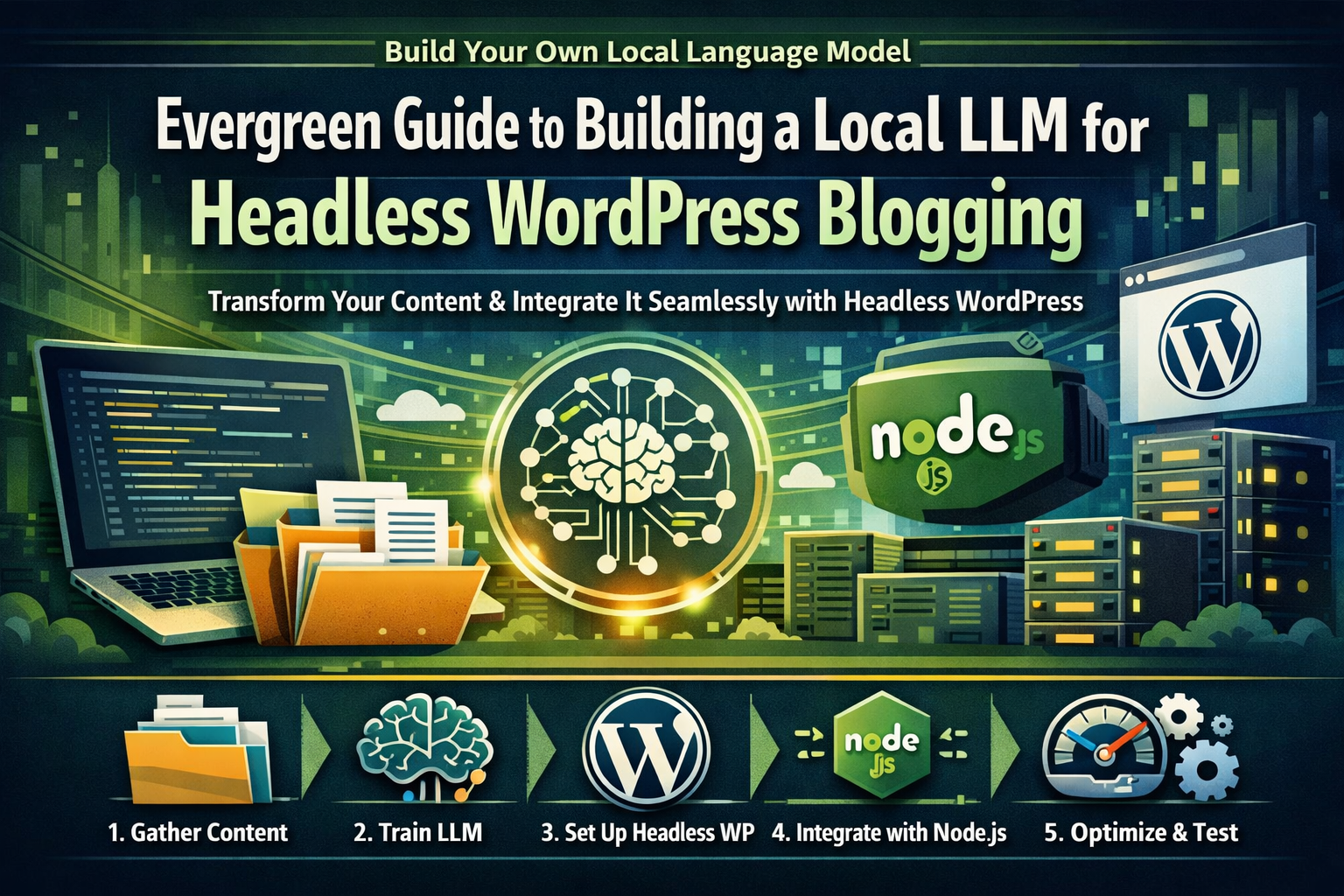
Gather Existing Content
Collect all relevant articles, blog posts, and other textual data from your existing CMS or repository. This step is crucial as the quality of your training data directly impacts the performance of your LLM.
Train Your Local Language Model (LLM)
Use a tool like Langchain to train an LLM on the gathered content. Fine-tune the model for specific use cases such as SEO optimization, content generation, or personalization. This step ensures that your LLM is tailored to meet your unique needs.
Set Up Headless WordPress Environment
Install and configure a headless WordPress setup using a framework like Next.js or Gatsby. Ensure the environment is optimized for performance and scalability to handle the dynamic content generated by your LLM.
Integrate LLM with Headless WordPress
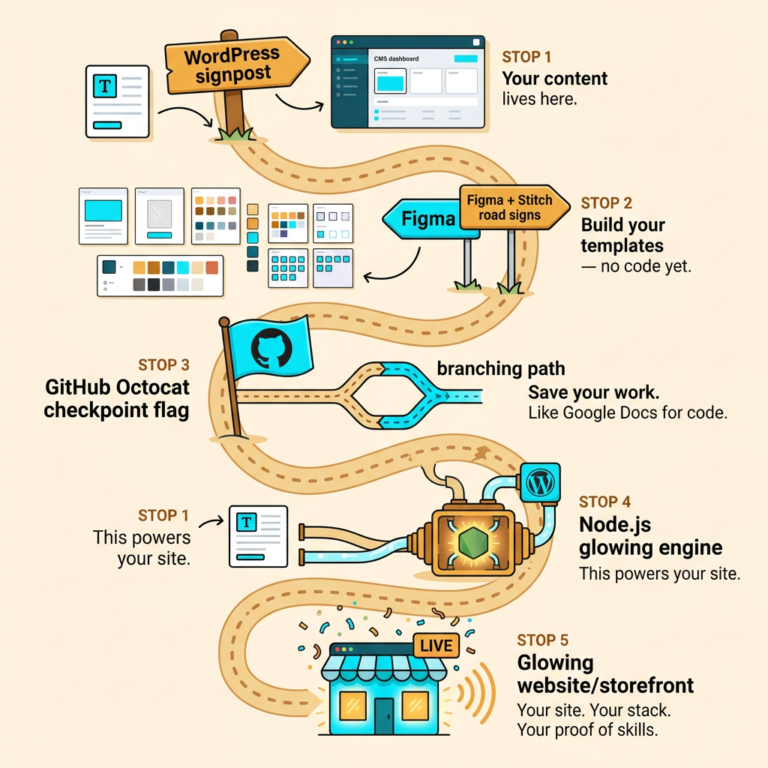
Develop custom APIs to interact between your Node.js backend and the headless WordPress frontend. Use the LLM to generate dynamic content, such as personalized recommendations or SEO-optimized posts. This integration ensures that your website remains responsive and provides a seamless user experience.
Test and Optimize Performance
Thoroughly test the integration to ensure smooth operation and optimal performance. Monitor user interactions and adjust the LLM parameters for better results over time. Continuous optimization is key to maintaining high performance and user satisfaction.